


How to Send an Invoice Online and Get Paid Faster
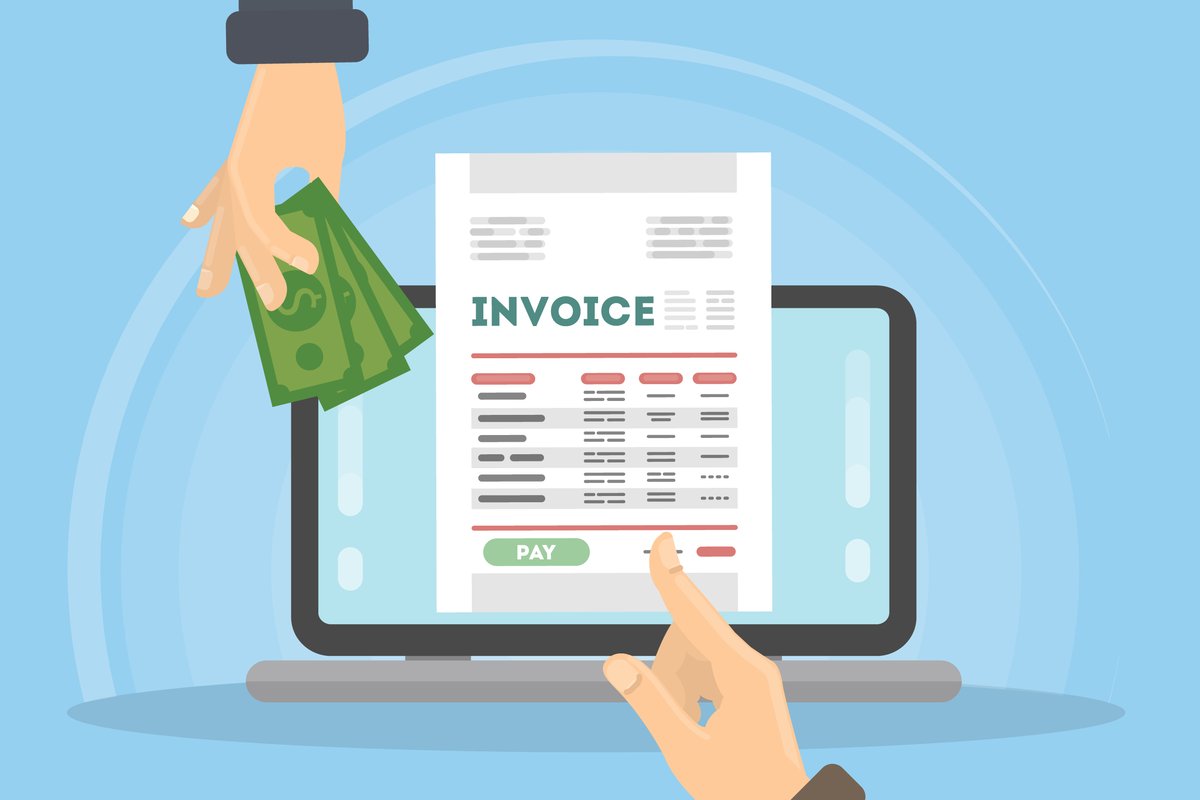
Sending an invoice online sounds simple, and it should be. But there is a significant difference between sending an invoice and sending one that actually gets paid on time. The average UK small business waits 38 days to be paid after invoicing, despite most payment terms being 14 or 30 days. That gap is not just frustrating; for a small business managing cash flow, it can be the difference between making payroll and missing it.
The good news is that most of the reasons clients pay late are fixable on your end. The right invoicing process, the right tools, the right details, the right follow-up, consistently shortens that payment window without you having to chase every client individually.
This guide walks through exactly how to send an invoice online, what to include, and the practical steps that get you paid faster.
Step 1: Use online invoicing software instead of Word or PDF templates
If you are still building invoices in Word, Excel, or a PDF template, you are making the process harder than it needs to be, for you and for your clients.
Online invoicing software gives you professional templates, automatic numbering, client record management, and the ability to accept payment directly from the invoice. That last point is the most important one. A client who clicks "Pay now" from your invoice email and pays by card in 30 seconds is faster than a client who has to log into their banking app, find your sort code and account number, and set you up as a new payee.
Reducing friction in the payment process is one of the most reliable ways to reduce your average payment time.
BuiltForSmallBusiness.com lets you create and send professional invoices with Stripe payment links built in, free to get started, no card required. Try it here.
Step 2: Include everything a valid UK invoice needs
A UK invoice that is missing legally required information can cause problems at tax time, complicate VAT returns, and give clients an excuse to delay payment while they ask for corrections. Get it right the first time.
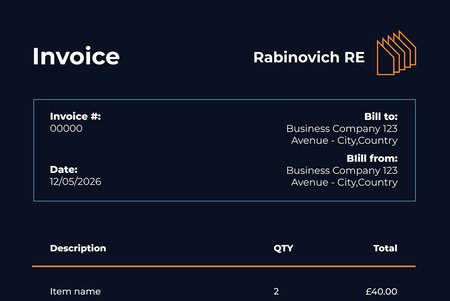
A valid UK invoice must include:
- Your business name and address
- Your client's name and address
- A unique invoice number
- The invoice date
- The payment due date
- A clear description of the goods or services provided
- The amount excluding VAT
- The VAT rate and amount (if you are VAT-registered)
- The total amount due
- Your VAT registration number (if applicable)
Good invoicing software populates most of this automatically once you have set up your business details. You should never have to type your own address onto an invoice manually more than once.
Step 3: Set a clear payment due date, not just payment terms
There is a subtle but important difference between writing "Net 30" and writing "Payment due by 27 June 2026." Both technically mean the same thing, but the second version is harder to ignore. A specific date creates a deadline. A payment term requires mental arithmetic.
For most UK small businesses and freelancers, Net 7 or Net 14 is appropriate for smaller invoices and regular clients. Net 30 is standard for larger clients or those with formal procurement processes. Whatever you choose, state the actual calendar due date on every invoice.
Step 4: Send the invoice immediately after completing the work
Every day you wait to send an invoice after completing a job is a day you add to when you will receive payment. If you finish a project on a Friday and send the invoice the following Wednesday, you have already delayed yourself by five days before the payment clock has even started.
Send invoices the same day wherever possible. With online invoicing software, this takes two or three minutes; client details are saved, the line items are entered, the total is calculated automatically, and the invoice goes out by email with a payment link included.
If you have a recurring client, set up a recurring invoice so it goes out automatically on a fixed schedule without you having to do anything at all.
Step 5: Enable online payment directly from the invoice
This is the single biggest change most small businesses can make to reduce their average payment time.
When a client receives an invoice by email and can click a payment link, enter their card details, and pay in under a minute, most of them do it straight away. When they have to navigate to their online banking, set up a new payee, enter a reference, and wait for bank processing, many of them put it in a pile to do later. Later often means late.
BFSB's invoicing feature includes Stripe payment links on every invoice. Stripe accepts Visa, Mastercard, and American Express. Card payments via Stripe typically cost between 1.5% + 20p and 3.25% + 20p, depending on card type, a cost most small businesses absorb as a standard cost of doing business, given how much faster they get paid.
Step 6: Set up automatic payment reminders
Most late payments are not deliberate. Clients get busy, invoices get buried in inboxes, and payments just slip. A polite automated reminder a few days before the due date catches most of these without any awkwardness.
A good reminder sequence looks something like this:
- 3 days before due date — friendly reminder that payment is due shortly
- On the due date — reminder with payment link included
- 3–5 days after due date — polite follow-up noting the invoice is now overdue
Good invoicing software handles this automatically. You set it up once, and it runs in the background without you having to think about it or send uncomfortable emails manually.
Step 7: Keep your client records and payment history in one place
Chasing late payments is easier when you have a clear picture of who owes what. If your invoicing is in one tool, your expenses in a spreadsheet, and your client notes in your email, you are constantly context-switching to get a complete picture of your cash position.
Using a platform that handles invoicing, expenses, and client management in one place means you can see outstanding invoices, client payment history, and your overall cash flow without opening multiple tabs.
What to do when an invoice is genuinely overdue
Even with good systems in place, some invoices will go overdue. Here is a straightforward escalation process:
Day 1–7 overdue — Send a polite automated reminder with the payment link. Most clients pay at this stage.
Day 8–14 overdue — Follow up personally by email. Keep it professional and factual — state the invoice number, amount, and due date, and ask if there is anything they need from your end to process payment.
Day 15–30 overdue — Consider a phone call. Email is easy to ignore. A brief, professional call is harder to brush off and often resolves the situation immediately.
Beyond 30 days — Under the Late Payment of Commercial Debts Act 1998, UK businesses can charge statutory interest of 8% above the Bank of England base rate on overdue B2B invoices, plus fixed debt recovery costs. You are not obligated to charge this, but it is worth knowing you can.
For more on this, see our post on 5 Common Invoicing Mistakes and How Small Businesses Can Avoid Them.
A note on VAT invoices
If you are VAT-registered, your invoices must follow additional rules. A full VAT invoice must include your VAT registration number, the VAT rate applied, the VAT amount, and the total inclusive of VAT. Failure to issue a proper VAT invoice can cause problems for your clients' VAT reclaim and may trigger scrutiny from HMRC.
The VAT registration threshold in the UK is currently £90,000 in taxable turnover. Once you cross that threshold, VAT registration is mandatory. If you are approaching it, it is worth registering early so your invoicing system is already set up correctly when the threshold applies.
For a full breakdown of how VAT works for small businesses, our guide on managing expenses with HMRC categories covers what you need to track and how.
How to send an invoice online with BuiltForSmallBusiness.com
If you are not already using online invoicing software, here is how straightforward it is with BFSB:
- Create a free account, no card required
- Add your business details — these appear automatically on every invoice you send
- Add your client's name, address, and email
- Create the invoice, add line items, set the due date, and apply VAT if needed
- Send it, and your client receives a professional invoice by email with a Stripe payment link
- Track it, see when the invoice is viewed, when it is paid, and follow up on anything overdue
The whole process takes under five minutes the first time and two minutes once your client's details are saved.
FAQ: Sending invoices online in the UK
Do I need invoicing software to send invoices online? No, you can send a PDF by email. But invoicing software gives you payment links, automatic reminders, and payment tracking that consistently result in faster payments. The time saved and the cash flow improvement make it worth using even if you only invoice a handful of clients each month.
How quickly should I send an invoice after completing work? The same day, wherever possible. Every day you wait is a day added to your payment window.
Can I charge interest on a late invoice in the UK? Yes. Under the Late Payment of Commercial Debts Act 1998, you can charge statutory interest of 8% above the Bank of England base rate on overdue B2B invoices. You are not required to enforce this, but it is a useful tool for persistent late payers.
What payment methods should I offer on my invoices? Bank transfer and card payment are the two most common. Offering card payment via a Stripe link alongside bank transfer details gives clients the option to pay immediately without any manual steps, which most will take if it is easy enough.
Is it free to send invoices online with BuiltForSmallBusiness.com? Yes, invoicing is part of the free Foundation plan. Get started here.
Related articles you might like

Tag:
UK InvoicingShare:
